The process
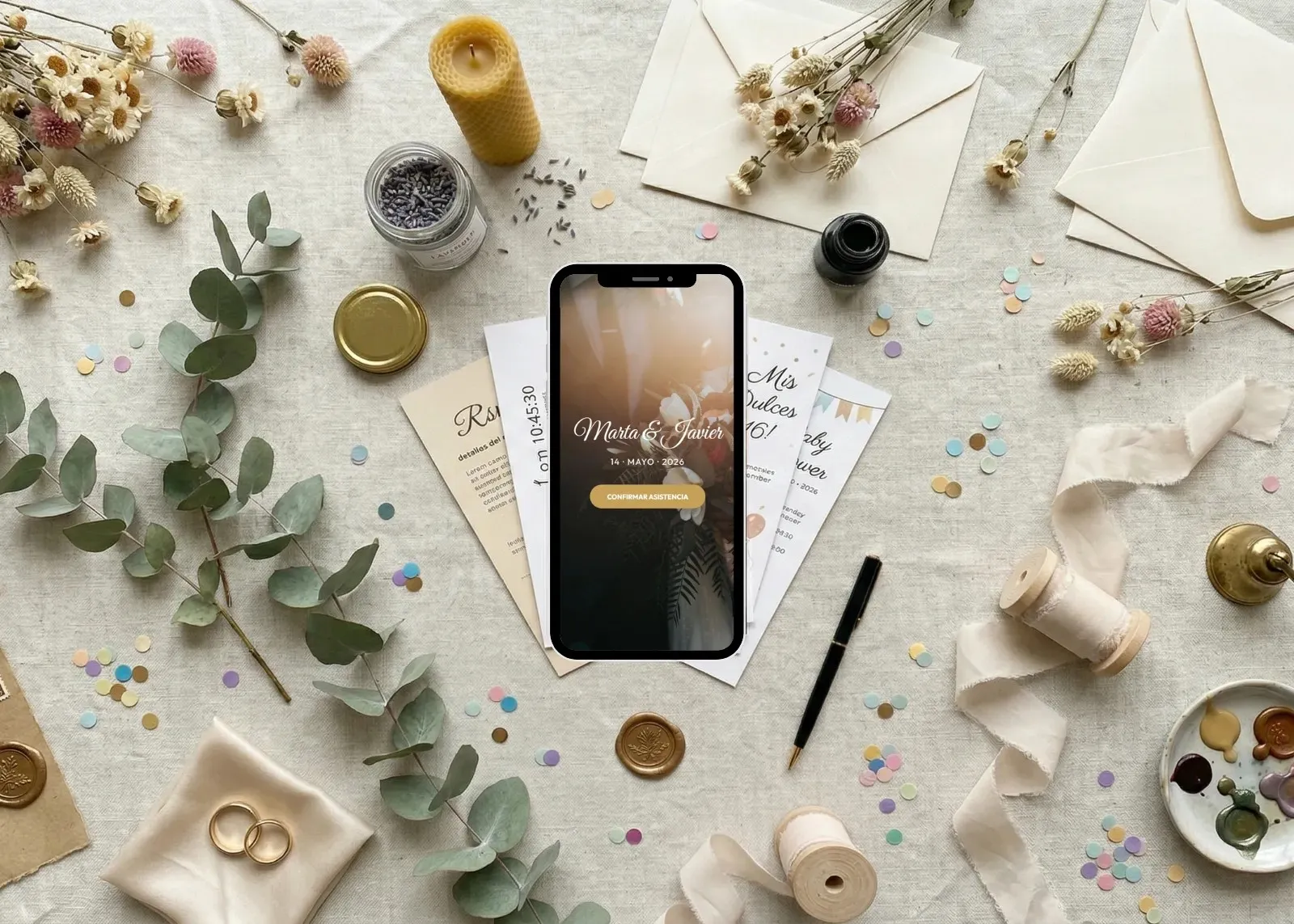
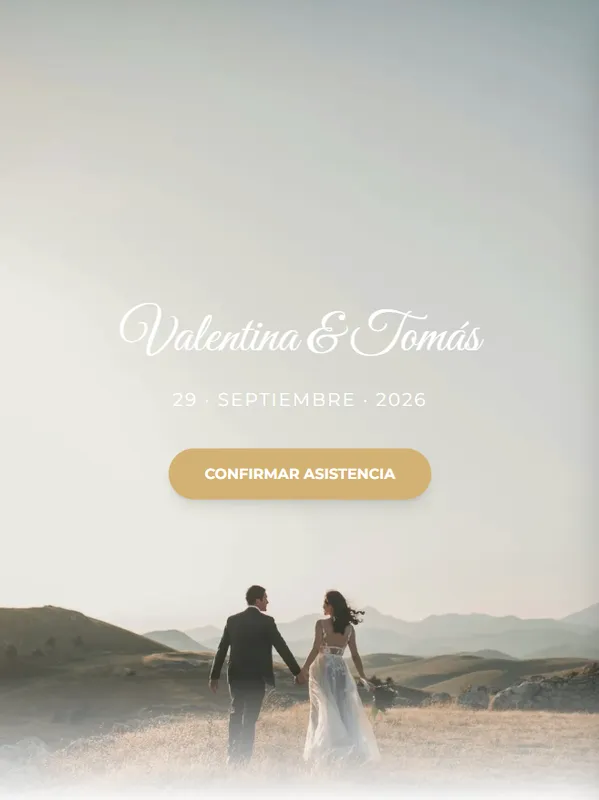
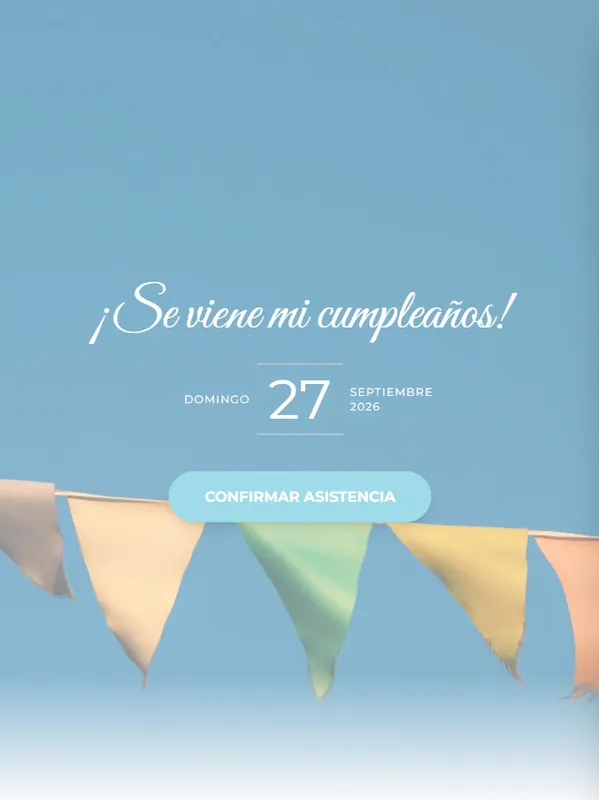
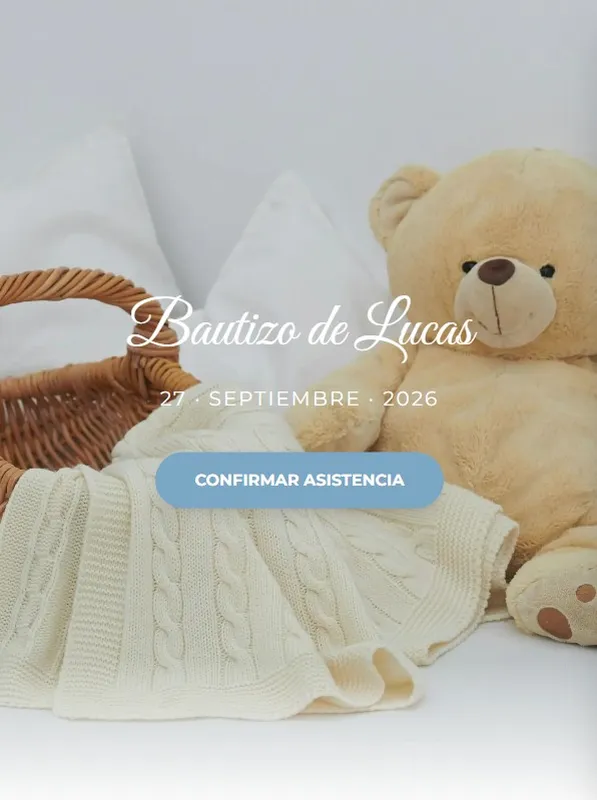
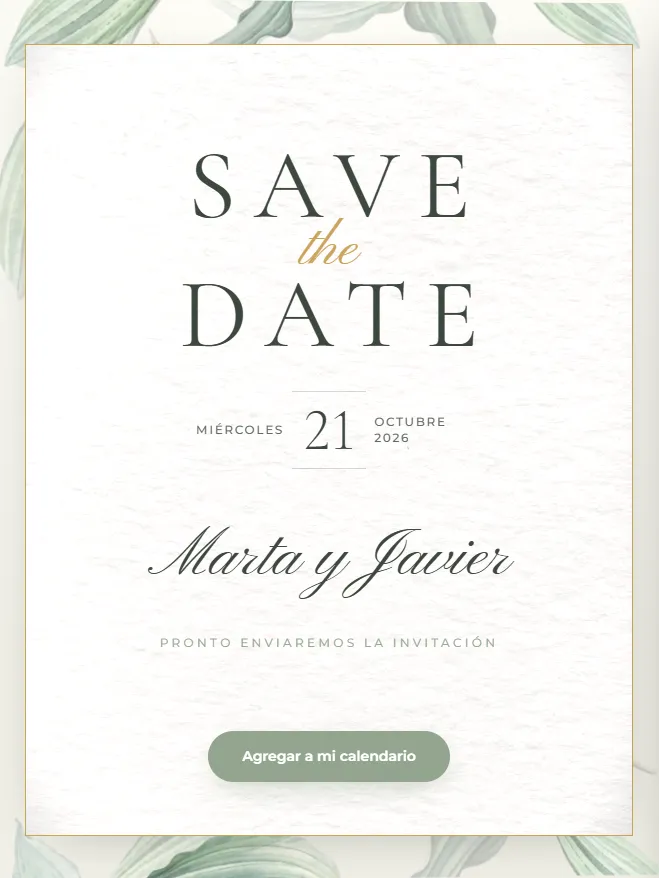
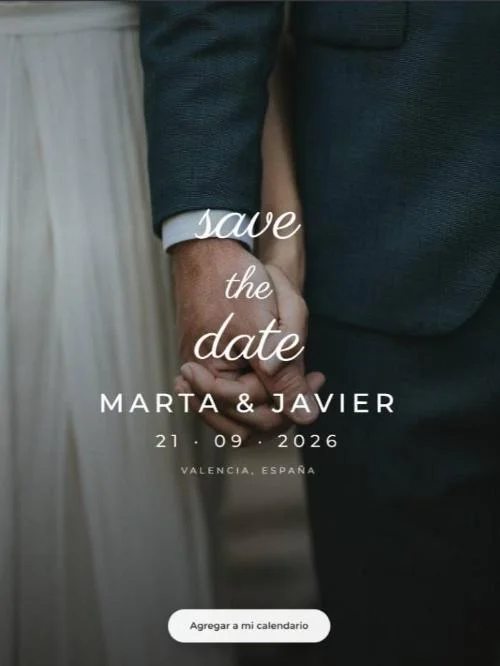
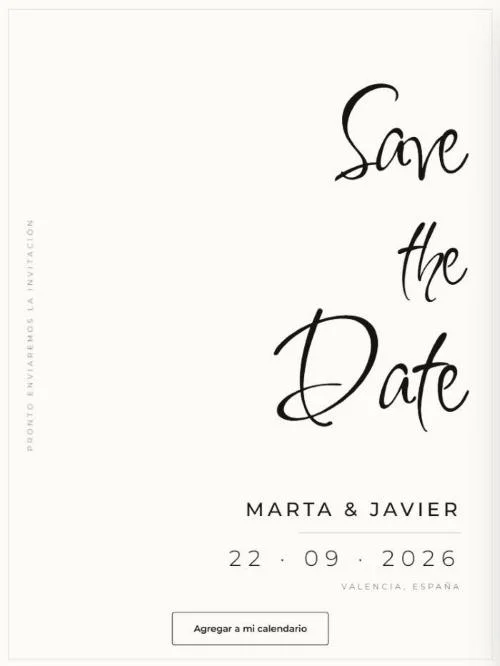
Weddings, gender reveals, parties — designs created by professionals for every celebration. Choose the one that fits your event best.
Photos, colours, text and sections. Change a colour and the invitation updates in real time — no middlemen, no waiting.
Valen & Tomi29 · SEP · 2026
Confirm attendance
Your invitation lives at a unique link. Copy it and share it with your guests — it looks perfect on any screen.

Every response appears instantly in your dashboard: attendees, meals, plus-ones. No spreadsheets, no chasing anyone.
No credit card · Ready in 5 minutes
of your event.
Your guests confirm straight from the invitation, you ask exactly what you need and every answer sorts itself in your dashboard — ready to download as PDF or Excel.
| # | First name | RSVP | Transport? | Menu |
|---|
| # | Last name | First name | Transp. |
| 1 | Guest List | ||||||
| 2 | Fastinvit.es · RSVP management | ||||||
| 3 | # | Last name | First name | ID number | RSVP | Transp. | Menu |
Your guests confirm from the invitation itself, no apps and no sign-ups. One button — "Confirm attendance" — and straight to the details.
First name, last name and ID — and with that ID your guests can update their answer whenever they like.
Bringing a plus-one? Need transport? Allergies or meal choice? Add single-choice, multiple-choice or free-text questions and collect it all from day one.
Attendees, "maybes" and no-shows count themselves. No more spreadsheets by hand or stray WhatsApp messages.
Exclude guests, fix details on the fly or add guests by hand. Show or hide the custom answers and sort them however suits you best.
A flawless list for your caterer, your venue or to print. One click and it's in the format you need.
Like what you see? Your invitation can be ready in 5 minutes.
Create my invitationYour guests scan a QR code, take a photo and leave their message. It goes into the book instantly and stays there for good.
They get in through the QR code on the table sign, or from the invitation itself. No apps and no sign-up, for them or for you.
They turn the pages, read what everyone else wrote and leave a message of their own.
The retro photo, the handwritten note and who wrote it. And anyone who would rather sign with words alone can do that too.
With an automatic flash, so the photos come out well all night long.
Slowly, like a real one, while they write their message and sign their photograph.
No waiting, all evening long, keeping the funniest memories of the party.
You download the whole thing — the photos, the messages and the animations — to keep or to print.
See a guest bookPricing
Unlimited guests with every package.
No card, no commitment
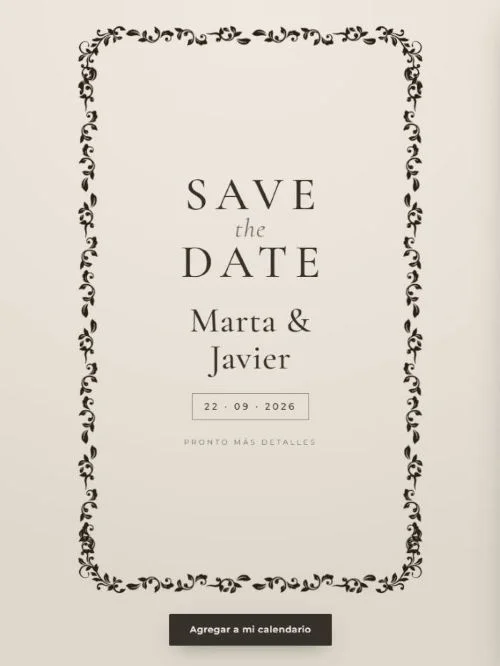
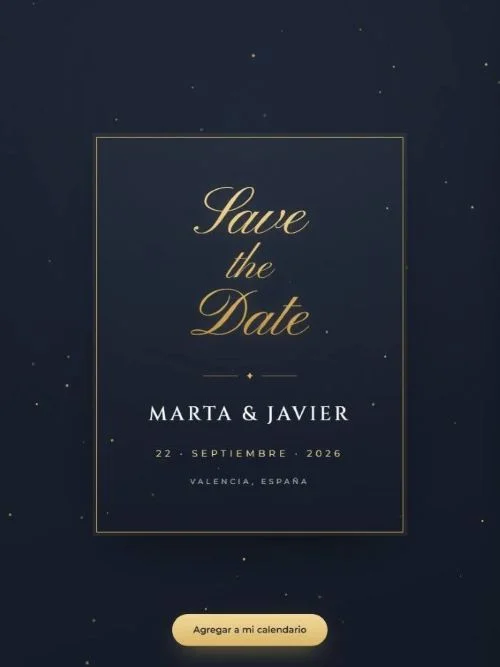
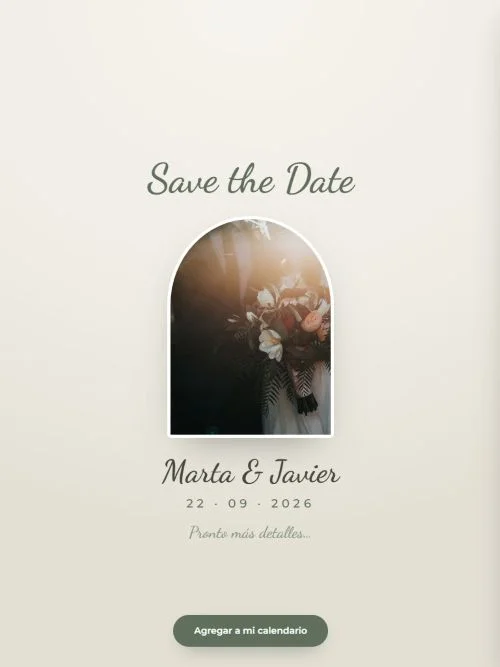
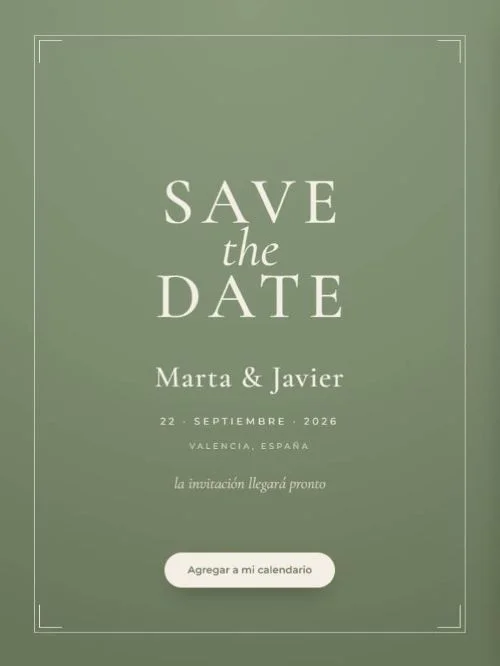
Save the Date? Add it to your event whenever you like for $20, or save with Gold.
Premium invitation, no limits
1 premium invitation.
Start with SilverSave the Date? Add it to your event whenever you like for $20, or save with Gold.
Your event deserves the best
Premium invitation + up to 2 Save the Dates.
Start with GoldA paper invitation runs about $3.50 per guest. Yours works out to $0.89 per guest at a 100-guest wedding, and $0.44 at a 200-guest one — RSVP tracking and guest book included.
Still not sure? → See a real invitation
Common questions
You can create and share your invitation completely free, no credit card needed, and have it ready in minutes! If you want the premium designs and features, you pay once per invitation: it is not a subscription and it does not renew.
No. Your invitation is a web page that works on any device. Your guests don't sign up or download anything.
Yes! Every invitation includes RSVP and replies land in your dashboard in real time. You can ask them whatever you need (menu? transport? allergies?). You can download the detailed list as a PDF on FREE invitations, and as an Excel file too on Premium ones.
Unlimited guests on every plan! You just share a single link with your guests and wait for their replies, whether there are 10 or 1000.
Your invitation is online from the moment you publish it: you can do that up to 3 months before the event on Free invitations and up to 12 months before on Premium ones. And it doesn't disappear once the party is over: it stays visitable for 6 more months, so you have time to download your keepsake and your guest list, and your guests can go back over the details whenever they need to. If you prefer, you can hide or delete it from your dashboard at any time.
Text, photos and details can be edited right up to the day of the event, and the changes show up straight away on the link you already shared. The event date itself can be corrected during the first few days after publishing.